
IPTV subscription expired? What happens next
An expiry is the most misleading fault there is, because it does not look like one. The app opens exactly as normal, your channel list is still there, everything appears healthy — and nothing plays. There is no warning banner and no countdown, because with a fixed-term subscription there is no automatic renewal to announce itself. Here is how to recognise it in thirty seconds, what you keep and what you lose, and the one thing not to do while you sort it out.
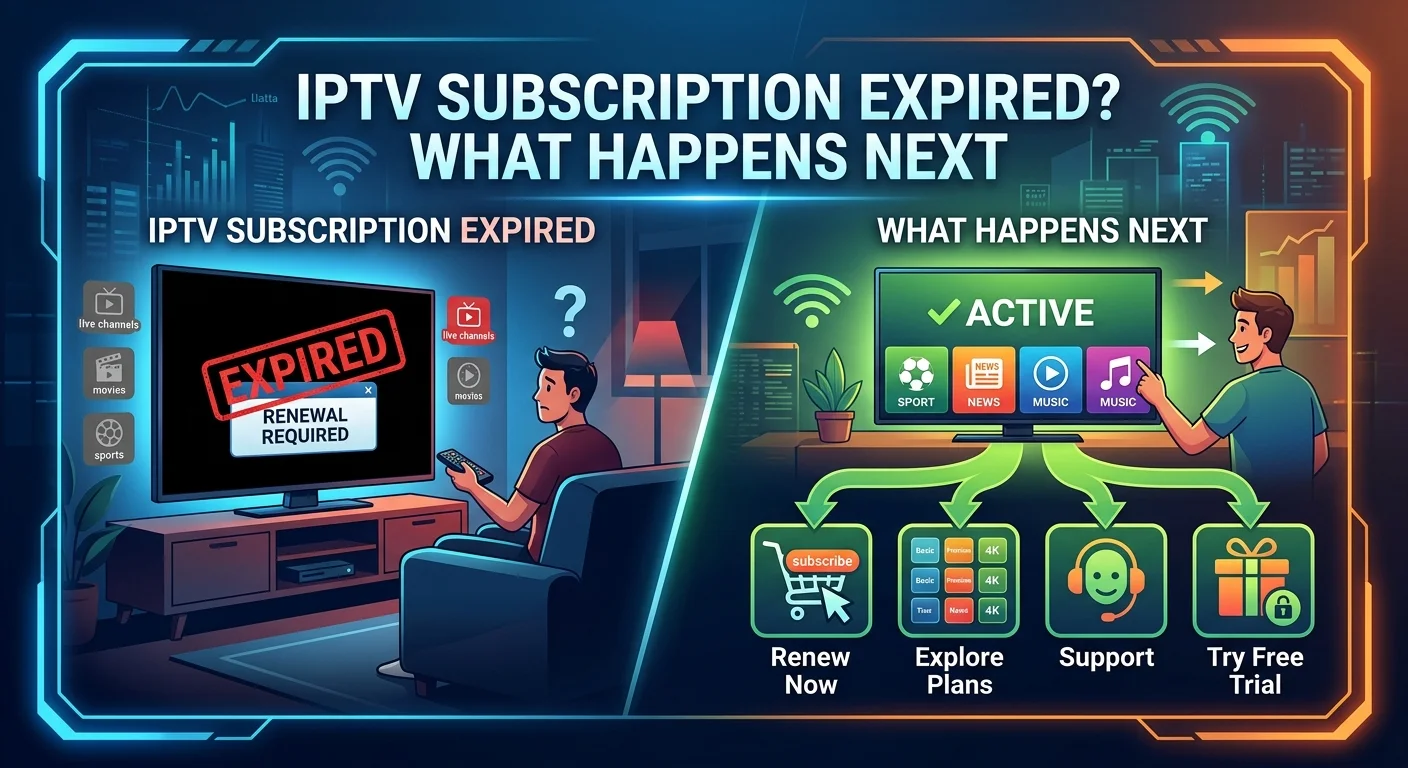
Why it looks like a technical fault
The reason expiry is so confusing is worth understanding, because it explains every symptom.
Your player stores its own copy of the channel list, the artwork and the guide. All of that lives on the device and keeps working whether or not your subscription is current. The app has no idea anything has changed — it only discovers the problem at the moment it asks the server for an actual stream.
So you get a perfectly normal-looking interface with a complete channel list, and a failure the instant you press play. Depending on the player it appears as an authentication error, a link error, or simply a channel that spins and never starts.
Confirming it in thirty seconds
Three signs together make expiry near-certain:
- Everything fails, not just some channels. A single dead channel is a stream problem; the whole list failing points at the account.
- Every device fails at the same time. If the television, the tablet and the phone all stopped together, nothing local caused that.
- It stopped abruptly. No gradual degradation, no buffering first — it worked on Tuesday evening and not on Wednesday.
If instead only one device is affected, or only some channels, you have a different problem — our guide to working out which fault you actually have covers those.
The other confirmation is simply the date. You were told an expiry date at activation. Check it before assuming anything technical is wrong, because this is the single most common cause of a total, sudden stop.
The one thing not to do: don't reinstall the app. People reflexively clear data or reinstall when nothing plays, which achieves nothing against an expiry and destroys your setup in the process — favourites, hidden groups and custom ordering all live inside the app and go with it. Our guide to what to clear when an IPTV app misbehaves explains the distinction between clearing cache and clearing data.
What you keep, and what stops
| Item | Survives expiry? |
|---|---|
| The app itself | Yes — stays installed |
| Favourites and hidden groups | Yes — stored on the device |
| Custom channel order | Yes |
| Cached channel list and artwork | Yes, though it goes stale |
| Live channels | No — stop immediately |
| On-demand library | No |
| Catch-up and the programme guide | No |
The useful conclusion is that the work you put into organising your setup is not lost. As long as you leave the app alone, a renewal usually brings everything straight back — which is precisely why reinstalling is the wrong reflex. Our guide to taming a large channel list explains why that configuration is worth protecting.
Renewing when nothing renews itself
With a fixed-term subscription there is no stored payment method and no automatic charge, so renewal is something you do rather than something that happens to you.
One question worth asking your provider before you pay, because it determines whether you have any setting-up to do: will the renewal use my existing details, or issue new ones?
- Same details — nothing to configure. Access resumes and the app carries on as though nothing happened.
- New details — you update the credentials in each player. Note that on some apps changing the credentials also clears the playlist and favourites, so ask how yours behaves before doing it on the device you have organised most carefully.
It is also worth asking whether any remaining days carry over if you renew early, since practice varies between providers. If they do, renewing a couple of days before expiry costs you nothing and avoids a gap entirely.
Why there is no automatic renewal
People occasionally ask whether the absence of auto-renewal is an oversight. It is the opposite — it is the point.
Automatic renewal requires the seller to hold a stored payment method and charge it without asking. That arrangement is convenient exactly once, and awkward thereafter: it relies on you forgetting, it keeps taking money if you stop watching, and stopping it means finding the right menu or contacting your bank.
A fixed term with no stored payment method removes that whole category of problem. Nothing can be charged, because there is nothing to charge. The trade-off is real and worth stating plainly: you have to remember. That is the price of a seller who cannot bill you by default, and most people consider it a fair one.
Avoiding the gap next time
Three habits, none of which take more than a minute.
Write the expiry date down somewhere you will see it — a calendar entry beats an email you will never search for again.
Set a reminder for two or three days before. That gives room to renew without a break, and time for any question to be answered before you are actually cut off.
Save your login details offline. A screenshot or a note. If a renewal does issue new credentials you will want the old setup to hand for comparison, and if you ever change device you will need them anyway.
Renewal is the natural moment to reassess
An expiry is mildly annoying and genuinely useful, because it forces a decision that an auto-renewing subscription never would. Before paying again, three questions are worth two minutes.
Did the plan match your household? If you regularly hit the simultaneous stream limit, this is the moment to move up. If you never came close, you may be paying for screens nobody used. Our guide to what a UK IPTV subscription actually gets you works through the arithmetic.
How did it behave at peak times? Not on a Tuesday afternoon — on Friday and Saturday evenings, which is the only test with any evidential value.
How quickly were problems fixed? Every service has channels drop occasionally. What separates them is the time to restore, not the absence of incidents.
If the answers are good, renewing on a longer term costs less per month. If they are not, an expiry is a clean break with nothing to cancel — which is the other advantage of a subscription that does not renew itself.
If it stopped early
Occasionally a subscription stops before the date you were given. That is not an expiry and should not be treated as one.
Contact your provider with the activation date, the term you bought, and the date it stopped. A legitimate service will either restore access or explain the discrepancy. A suspension for exceeding the simultaneous stream limit does not look like this — that produces a limit message on one device while others keep working, rather than everything stopping at once.
In short
An expiry looks like a technical fault because the app keeps its cached channel list and only discovers the problem when it asks for a stream. Three signs confirm it: everything fails, every device fails, and it happened abruptly.
Check the date before touching anything, and above all do not reinstall — favourites, hidden groups and custom ordering live inside the app, survive an expiry perfectly well, and are destroyed by a reinstall that fixes nothing.
Ask before renewing whether your existing details will be reused, and whether remaining days carry over if you renew early. Then take two minutes to check the plan still matches your household, because a subscription that does not renew itself is the only kind that ever asks you the question.
Frequently asked questions
Three signs together make it near-certain: everything fails rather than some channels, every device fails at the same moment, and it stopped abruptly with no buffering beforehand. Then check the expiry date you were given at activation. If only one device or only some channels are affected, it is a different problem.
Because the player keeps its own copy of the channel list, artwork and guide on the device. None of that depends on your subscription being current, so the interface looks completely normal. The app only discovers the problem at the moment it asks the server for an actual stream, which is why the failure appears when you press play.
Not from the expiry itself — favourites, hidden groups and custom ordering are stored on the device and survive it. They are lost by reinstalling or clearing the app's data, which is why that reflex is worth resisting. If a renewal issues new credentials, ask how your particular player handles a credentials change, since some clear the playlist when you update them.
No. Against an expiry it achieves nothing at all, and it destroys the setup you spent time building. Check the expiry date first. Reinstalling belongs at the very end of a troubleshooting list, not the start, and only after clearing the cache has been tried.
It is deliberate. Automatic renewal requires the seller to hold a stored payment method and charge it without asking, which relies on you forgetting and keeps taking money if you stop watching. With a fixed term and no stored payment method, nothing can be charged because there is nothing to charge. The trade-off is that you have to remember the date.
Generally yes, and renewing two or three days early avoids any gap. Ask your provider first whether remaining days carry over, since practice varies. If they do, early renewal costs you nothing and removes the risk of being cut off mid-programme on a Saturday evening.