
Taming a 45,000-channel list: favourites and groups
A very large channel list is worth having and almost unusable straight out of the box. Nobody scrolls forty-five thousand entries looking for tonight's viewing — and yet most people never spend the twenty minutes that would turn it into something closer to a normal television. Here is how to build a favourites list, hide the thousands of channels you will never open, and — the part everyone learns the hard way — keep all of it when something goes wrong.
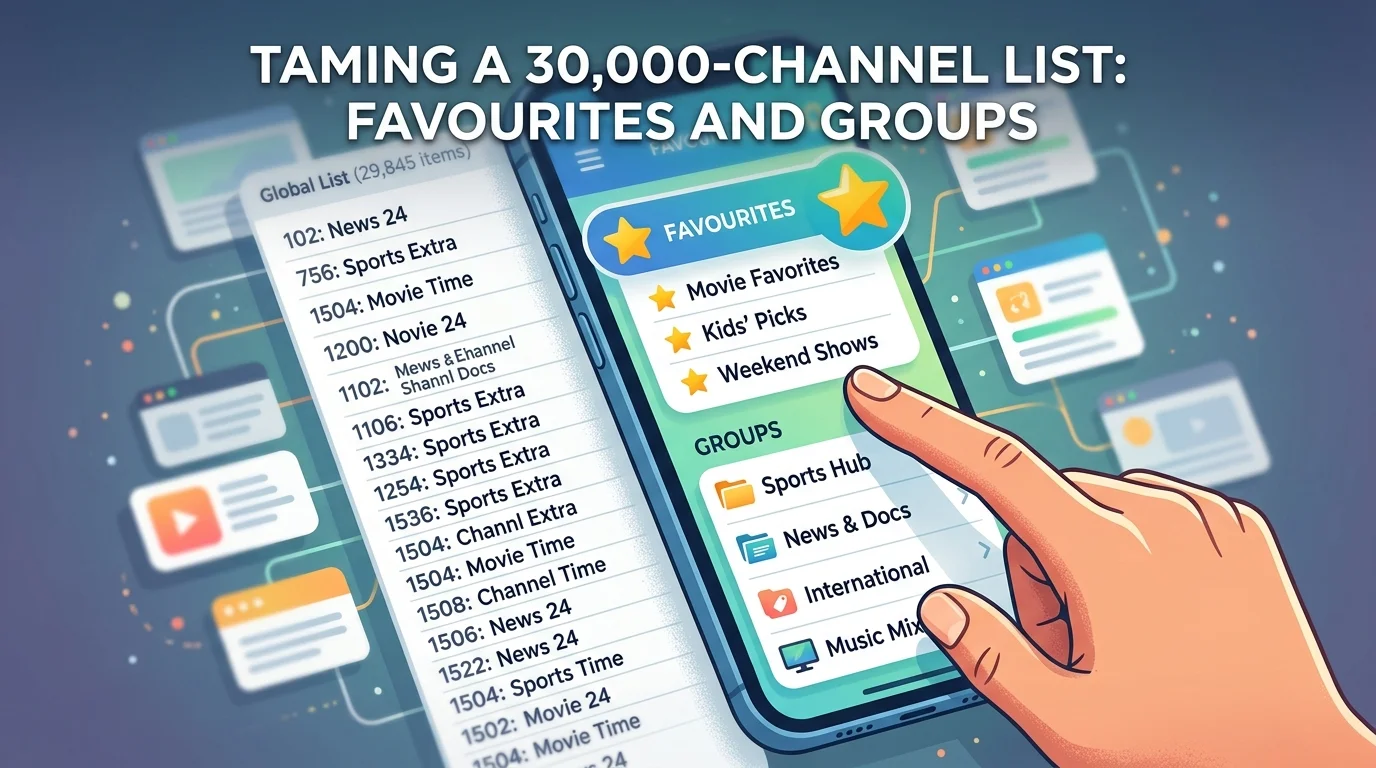
The paradox of a big list
A large catalogue is genuinely useful — it is what lets a service cover national channels, regional variants, sport, films, children's programming and a dozen countries besides. The problem is that breadth and usability pull in opposite directions.
Most households watch somewhere between fifteen and twenty-five channels regularly. Everything else is reserve: valuable to have, but noise when you are trying to find the news at six o'clock. Left untouched, a big list makes a good service feel worse than a bad one with thirty channels.
The fix is not technical and takes about twenty minutes. It is the single highest-value thing you can do after installation.
The three tools
Almost every player gives you the same three, though the names vary.
- Favourites. A separate short list you build yourself, usually openable with one button. This is the one that matters most.
- Hiding groups. Removing entire categories from view — other countries, formats you never use — so they stop appearing when you browse or search.
- Reordering. Putting your channels in the sequence you want rather than the order the list arrived in.
Used together they turn forty-five thousand entries into something that behaves like a normal television with about twenty channels, while the rest stays available when you want it.
Building a favourites list properly
The instinct is to add everything that looks interesting. Resist it — a favourites list of two hundred channels recreates the problem you were solving.
The approach that works is to build it from actual behaviour rather than intention. For the first week, add a channel the moment you watch it and not before. After seven days you will have a list of somewhere between fifteen and twenty-five, and it will be accurate in a way a list built from good intentions never is.
Two refinements worth knowing. Many players support multiple favourites lists, which is more useful than it sounds — one for the household, one for children, one for sport. And most let you reorder within favourites, so the three channels you actually open most can sit at the top rather than in whatever sequence you added them.
Hiding what you will never watch
Favourites solve finding. Hiding solves everything else — browsing, searching, and the guide.
Open the group or category list and work through it once. In a list of this size a large proportion is content for other countries and languages, which for most British households is dead weight. Hiding those groups typically removes the majority of the list in a couple of minutes.
The benefits go beyond tidiness. A smaller visible list means faster searches, a quicker guide load, and less data used refreshing programme information you will never read — which on a device that is short of storage also means less cache. Our guide to what to clear when an IPTV app keeps crashing covers why that matters.
Note the distinction: hiding is not deleting. The channels remain in your subscription and can be brought back by unhiding the group. Nothing is lost.
The thing nobody warns you about
This is the most important section, and it is the reason people rebuild the same list three times.
Favourites, hidden groups and custom ordering are stored inside the app, on that device. They are not attached to your subscription. Which means all of the following wipe them:
- Clearing the app's data — the option that sits next to clear cache and looks almost identical.
- Reinstalling the player.
- Replacing the device, or setting up a second one.
- On some players, a major update.
Before you spend twenty minutes organising anything, find out whether your player can export or back up its settings. Many can, to a file or an account. If yours can, use it the moment you finish — and again whenever you make significant changes. If it cannot, that alone is a reasonable argument for switching to one that can, as our comparison of IPTV player apps and which suits which device sets out.
Worth repeating the distinction from that same menu: clear cache is safe and leaves your organisation intact, while clear data resets everything. They sit next to each other and people click the wrong one constantly.
Multiple devices
A direct consequence of the above: organisation does not follow you between devices. Set up favourites on the living room television and the bedroom television still shows the raw list.
Three practical approaches. If your player supports backup, configure one device properly and restore that file onto the others — much faster than repeating the work. If it does not, accept doing it twice and keep the second list shorter, since a bedroom or kitchen screen rarely needs the full set. And if a device is used by children, that is a case for a deliberately restricted list rather than a copy of yours.
Channel order and numbering
The sequence your list arrives in is the provider's, and it is organised by category rather than by any national numbering scheme. British viewers used to a familiar order find this disorienting at first.
Most players offer several sorting options — as provided, alphabetical, or a custom order you set yourself. There is no universally right answer, but a useful convention is to keep your favourites list in the rough order you are used to and leave the full list as provided, so that when you do go looking for something unusual it is still where the categories put it.
One caution: some players tie channel numbers to their position in the list, so reordering changes the numbers. If you rely on typing a number to jump straight to a channel, settle your order first and then learn the numbers, not the other way round.
Renaming, and why it can break the guide
Some players let you rename channels. It is tempting for tidiness and occasionally causes a problem worth knowing about.
The programme guide is matched to channels by an identifier, and on some players a rename breaks that link — leaving you with a neatly titled channel and an empty guide. If a channel loses its listings immediately after you renamed it, that is almost certainly the cause; reverting the name usually restores it. Our guide to fixing an IPTV guide that won't load covers the other reasons a guide goes blank.
A twenty-minute setup
- 1. Check first whether your player can back up its settings. If it can, you are safe to invest the time.
- 2. Hide the country and language groups you will never open. This removes most of the list.
- 3. For one week, add channels to favourites only as you actually watch them.
- 4. At the end of the week, reorder favourites so the three you open most are at the top.
- 5. Create a second list if the household needs one — children, or sport.
- 6. Export or back up the configuration, and do it again after any significant change.
- 7. Restore that backup onto your other devices rather than repeating the work.
In short
A big channel list is an asset that behaves like a liability until you tidy it. Hiding the groups you will never open removes most of the noise; a favourites list built from what you actually watched over a week — rather than what you meant to watch — covers almost everything else.
But do step one first. Favourites and hidden groups live inside the app on that device, not on your subscription, so clearing data, reinstalling or changing device wipes the lot. Find out whether your player can back up its settings before you spend the twenty minutes, and export the file as soon as you are done.
Frequently asked questions
No. Favourites, hidden groups and custom ordering are stored inside the app on that particular device, not attached to your subscription. Setting them up on the living room television leaves the bedroom one showing the raw list. If your player supports backup and restore, configure one device properly and restore that file onto the others.
Something reset the app's stored settings — most often clearing its data rather than its cache, since those two options sit next to each other and look almost identical. Reinstalling the player or a major update can do the same. Unless your player had a backup, they cannot be recovered, which is why exporting the configuration is worth doing as soon as you finish organising.
No. Hiding removes a group from view in the app while leaving it in your subscription, and unhiding brings it straight back. Beyond tidiness it makes searches faster, the guide quicker to load, and reduces the amount of programme data being cached — which helps on devices short of storage.
Fifteen to twenty-five for most households, which is roughly what people actually watch. Build it from behaviour rather than intention: for one week, add a channel only at the moment you watch it. A favourites list of two hundred channels simply recreates the problem you were trying to solve.
The programme guide is matched to channels by an identifier, and on some players renaming breaks that link — leaving a tidily titled channel with no listings. If the guide disappeared immediately after a rename, reverting the name usually restores it.
Yes, most players offer sorting as provided, alphabetically, or in a custom order you set. A practical convention is to arrange your favourites in the order you are used to while leaving the full list as provided, so unusual channels stay where the categories put them. Note that some players tie channel numbers to list position, so settle the order before learning the numbers.