
IPTV EPG not working? How to fix your TV guide
Every channel plays perfectly, but the programme guide is empty, an hour out, or blank on half your channels. It is one of the most common IPTV complaints and one of the least well explained — largely because people assume the guide is part of the channels. It is not. The guide is supplied separately, by a separate mechanism, and it fails for its own separate reasons. There are three of them, and one is a five-second setting.
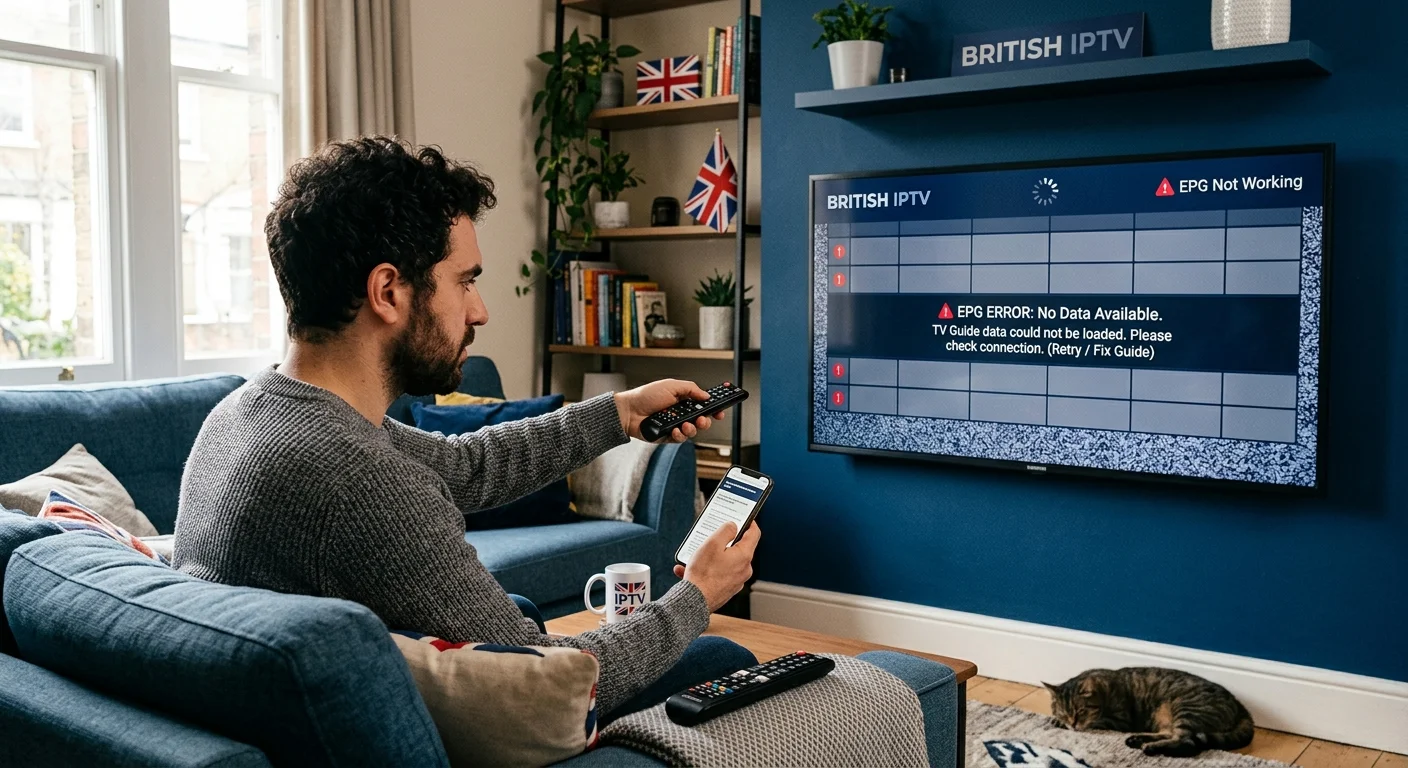
What the EPG actually is
EPG stands for electronic programme guide — the now-and-next grid showing what is on each channel.
Here is the part that explains everything below: it is a separate data file, fetched separately from the video. Your player downloads the channel list, then downloads a schedule file, then matches one to the other.
Three distinct operations, three distinct ways to fail. Which is why you can have flawless picture quality and a completely useless guide, and why "my IPTV is broken" is usually the wrong description of the problem.
Identify which of the three symptoms you have, and the fix follows immediately.
Symptom 1: the times are wrong
The guide is populated, the programmes are right, but everything is shifted — typically by exactly one hour, sometimes more.
This is a time zone setting, and it is by far the most common EPG fault.
Guide data is published against a universal time reference, and your player converts it to local time. If the app's time zone is wrong, or if it is not handling British Summer Time properly, the whole grid shifts by a whole number of hours.
The BST detail matters in the UK specifically: a guide that was perfectly correct all winter can suddenly go an hour out at the end of March, and correct itself in October. If your guide broke on a clock-change weekend, this is certainly your cause.
The fix
- Open your player's Settings and look for EPG, Time zone, or Time shift / GMT offset.
- Set it to GMT +0 for the UK, or enable the automatic option if one exists.
- If it is already correct and the guide is exactly one hour out during summer, try +1 — some players do not apply BST automatically.
- Restart the app.
Also check the device's own clock and time zone, in its system settings. A television or box set to the wrong region will shift the guide regardless of what the player says.
Symptom 2: the guide is completely empty
No programme information anywhere, just channel names and blank rows.
The guide data has not downloaded. Four possible reasons, in the order worth checking.
It simply has not finished
Guide files are large and can take several minutes to download and process on first setup, or after reinstalling. If you have just entered your credentials, wait ten minutes and look again. This is the single most common false alarm.
It needs a manual refresh
Most players update the guide once or twice a day and let you force it. Look in Settings for Update EPG, Refresh EPG or similar, and run it.
The app ran out of storage
This one is genuinely common and rarely suspected. Guide data needs space to store, and on devices with limited storage — streaming sticks and small dongles especially — a full device causes the download to fail silently. No error, just an empty guide.
Uninstall applications you do not use, clear the player's cache, and try the refresh again. This affects Chromecast with Google TV particularly often, as covered in our Google TV guide.
No guide source is configured
If you set up with an M3U playlist rather than an Xtream login, the guide may need its own separate address entering in the player. An Xtream login delivers the guide automatically as part of the same connection — one of several reasons to prefer it, as explained in what an IPTV subscription includes.
If you have an M3U setup and an empty guide, ask your provider for the guide address and enter it in the player's EPG settings.
Symptom 3: some channels have a guide, others do not
The most puzzling of the three, and the one you can do least about.
Each channel has to be matched to an entry in the guide data using an identifier. If the identifier attached to a channel does not match anything in the schedule file — or is missing entirely — that channel plays perfectly and shows no programme information at all.
It is a data-matching problem, not a fault with your connection, your device or your subscription. Common on smaller, regional and international channels, where schedule data may simply not be published.
What you can try
- Force a guide refresh — matching sometimes improves after an update.
- Check a different player. Some handle imperfect matching more gracefully than others.
- Report the specific channels to your provider. Corrections are made at their end, and a good provider will make them.
What you cannot do is fix it from your settings. If the identifier is wrong in the source data, only the provider can correct it.
The five-minute fix sequence
If you are unsure which symptom you have, run through these in order — it resolves most cases.
- Check the time zone in the player, and the clock on the device itself.
- Force a guide refresh in the player's settings.
- Clear the player's cache. Your login details are not affected.
- Free up storage by uninstalling unused apps.
- Restart the device properly — off at the plug for thirty seconds.
- Wait ten minutes after reopening the app before judging the result.
If the guide is still empty across the board after that, the problem is on the provider's side and it is time to contact them.
Why the guide matters more than people expect
It is easy to treat the EPG as a nice-to-have. In practice it is the part of the service you interact with every single evening.
Without it, live television becomes guesswork: you cannot see what is starting soon, you cannot plan an evening, and you end up channel-hopping to find out what is on — which on a remote-driven interface is genuinely unpleasant.
It is also one of the most under-weighted things when people compare services. Everyone checks channel counts. Almost nobody asks whether the guide is accurate — and guide data costs money to license and maintain, which makes it one of the first things a very cheap provider quietly drops. That pattern is set out in what gets cut to reach that price.
If you are still choosing a service, check the guide during your trial. Not just that it exists — that it shows the right programmes at the right times, across the channels you actually watch. It takes thirty seconds and tells you something no channel count will.
What to tell support
If you do need to get in touch, these four details turn a vague report into something fixable quickly:
- Which symptom — empty, wrong times, or missing on some channels only.
- Which channels, specifically, if it is only some.
- Whether you use Xtream or M3U.
- Which player and device.
A photograph of the guide on screen helps enormously — it usually shows the cause immediately.
In short
The guide is not part of the channels. It arrives separately, and it breaks separately.
Wrong times means a time zone setting — check the player and the device, and remember that British Summer Time catches players out twice a year. Empty means the data has not downloaded — refresh it, clear the cache, free up storage, and give it ten minutes. Missing on some channels means an identifier mismatch, which only your provider can correct.
More troubleshooting, including the sixty-second test for diagnosing buffering, across our IPTV guides.
Frequently asked questions
Almost always a time zone setting in the player. Guide data is published in a universal time reference and the app converts it locally. If it is set to the wrong offset, or is not handling British Summer Time, everything shifts by a whole number of hours.
The guide data has not downloaded. It is supplied separately from the channels and can take several minutes on first load, or fail if the app ran out of storage. Force a refresh in the player's settings, clear its cache and restart the device.
Each channel must be matched to an entry in the guide data by an identifier. Where that identifier is missing or does not match, the channel plays perfectly but shows no programme information. This is corrected at the provider's end, not yours.
Not always. An Xtream login delivers the guide automatically. With an M3U playlist you may have to enter a separate guide address in the player. This is one of several reasons to choose Xtream where both are offered.
Typically once or twice a day, depending on the player and the provider. Most apps let you force a refresh manually, which is the first thing to try when the guide looks out of date.
It can be. Guide data costs money to license and maintain, so it is one of the first things a very cheap service cuts. Occasional gaps are normal; a guide that is largely empty across major channels is a meaningful signal.