
IPTV on Hisense and TCL TVs: what works on VIDAA
These two brands account for a large share of televisions sold in Britain, and they are the hardest to write a single guide for — because they don't all run the same software. Two Hisense sets bought two years apart can behave completely differently, and the same is true of TCL. So the first step isn't installing anything. It's finding out what your television actually runs, because that answer decides everything else.
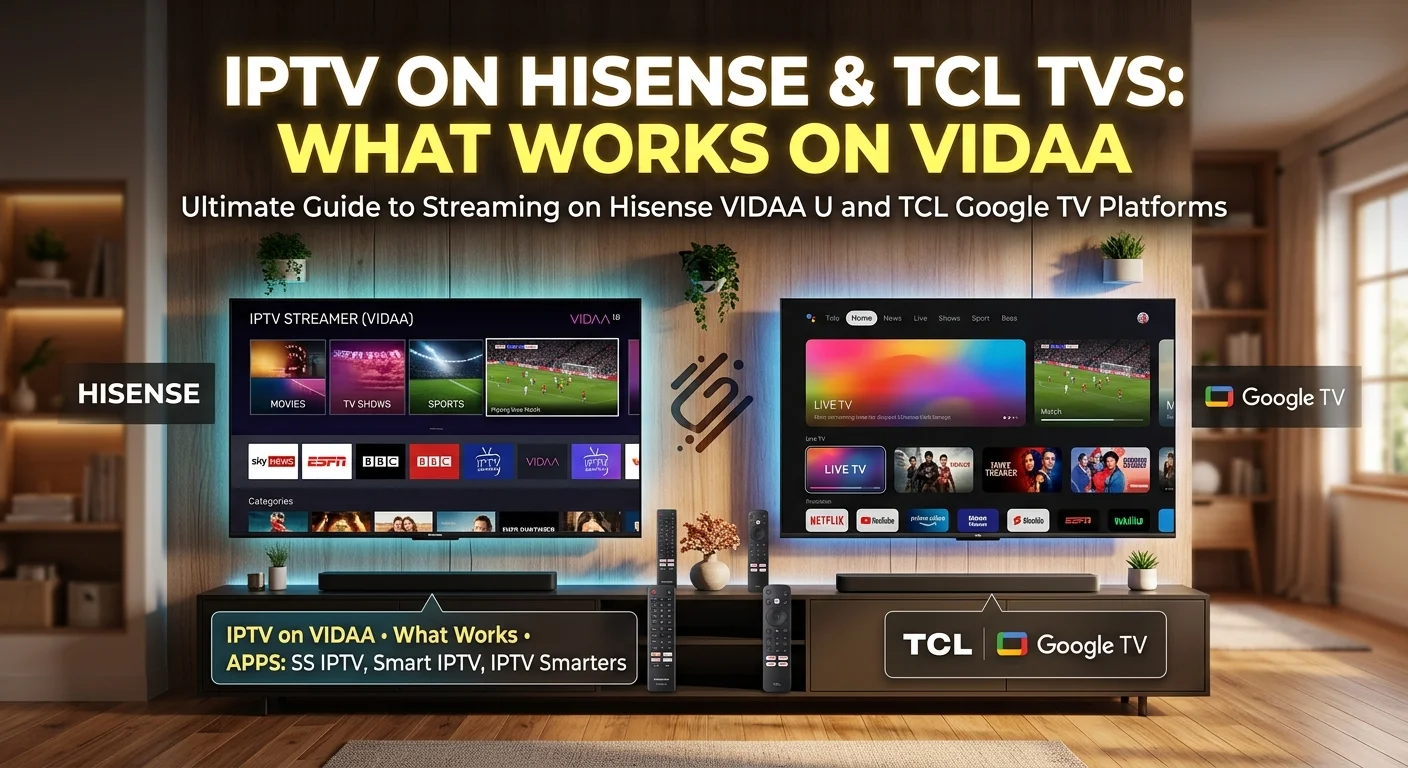
Step one: what does your television run?
Neither brand builds its own single platform the way Samsung and LG do. They fit whichever system suits the model and the market, which is why generic advice for "Hisense" or "TCL" so often doesn't match what you see on screen.
Three ways to find out, quickest first:
- Look at the home screen. Rows of recommended content with a Google-style layout points to Google TV or Android TV. A simpler grid or ribbon of app tiles usually means VIDAA. A purple-tinted grid of channel tiles indicates Roku TV.
- Check the settings. Somewhere under system, about, or device information you will find a version string that names the platform outright.
- Look at the remote. A dedicated assistant button and a Google branding cue suggests Google TV. A VIDAA-branded button appears on many Hisense remotes.
As a broad pattern rather than a rule: most Hisense televisions sold in the UK run VIDAA, Hisense's own system, while TCL has largely used Google TV or Android TV, with Roku TV on some models. Both brands have exceptions, so check rather than assume — the difference is not cosmetic.
If you have Google TV or Android TV
This is the straightforward case, and if your TCL falls here you are in good shape.
You have access to the full Play Store, which means the entire range of IPTV players is available — including the capable ones with proper guide handling, catch-up support and real organisation options. Installation is exactly as it would be on a separate Android box, and our guide to IPTV on Android boxes applies directly.
One caveat specific to televisions rather than boxes: a television's processor is usually chosen for picture processing rather than for running applications, and it can struggle with very large channel lists. If your player feels sluggish, hiding the groups you never open makes a substantial difference — our guide to taming a large channel list covers how.
If you have VIDAA
This is the case most Hisense owners are in, and it needs honest expectations.
VIDAA has its own app store, and it is much smaller than the Play Store. It carries the major mainstream services, and a small number of IPTV players — considerably fewer than you would find on Android, and generally simpler ones.
There is also no supported way to install software from outside that store. In that respect VIDAA is closer to Roku than to Android: a curated platform where the well-known players are not an option.
What to expect if you use a VIDAA player:
- Live channels generally work well.
- The programme guide is often present but less configurable.
- Catch-up and recording are frequently absent.
- Favourites and group hiding tend to be basic.
For a household that mainly wants live television on the main set, that is perfectly serviceable. For anything more, the answer below is better.
If you have Roku TV
Some TCL sets run Roku's system built into the television. The restrictions are identical to a Roku stick — a closed store, no sideloading, a small number of simpler players. Our guide to IPTV on Roku covers it in full, and everything there applies.
What each platform allows
| Platform | Typical brand | Choice of players | Catch-up & recording | Install from elsewhere |
|---|---|---|---|---|
| Google TV / Android TV | TCL, some Hisense | Full range | Usually available | Yes |
| VIDAA | Most Hisense | Limited | Often missing | No |
| Roku TV | Some TCL | Limited | Usually missing | No |
The pattern is consistent across the industry: an open platform gives you choice and the burden of choosing; a closed one gives you simplicity and a ceiling. Neither is wrong, but it is worth knowing which you bought.
The universal answer: a stick in a spare port
If your television is on VIDAA or Roku TV and you want the features those platforms lack, there is a simple fix that works regardless of brand.
A basic streaming stick in a spare HDMI port gives you the full range of players, catch-up, recording and proper organisation. You keep the television's own apps for everything else and change input for live television. A stick costs less than two months of most subscriptions, which makes it an easy decision if IPTV is a regular part of your viewing — our guide to IPTV on a Firestick covers the most common choice.
It is worth stating plainly that this is not a workaround or a compromise. On a television whose processor was chosen for picture quality rather than app performance, a dedicated device is frequently better than the built-in option even where both exist.
Two advantages televisions have over sticks
Before assuming a stick is always superior, two points in the television's favour.
An Ethernet port. Almost every television has one, and most streaming sticks do not. A wired connection is the single most effective fix for an unstable picture, so if your set is near the router the built-in app may well be the steadier option.
One remote, one input. No switching sources, nothing extra to power, nothing to fall out from behind the screen. For a household that values simplicity, that counts.
The sensible approach is to try the built-in player first. If it does what you need, you have saved money and complexity. If it doesn't, the stick is there.
Picture settings on these sets
Both brands ship with heavy processing enabled by default, aimed at looking striking in a shop rather than accurate in a living room. On a streamed picture, several of those processes actively make things worse.
Two are worth turning off immediately: noise reduction, which mistakes compression artefacts for noise and smears fine detail while trying to smooth them, and sharpness, which draws bright outlines along edges and amplifies the very faults you want hidden. Then choose a neutral picture mode — cinema, movie or filmmaker — rather than dynamic or vivid.
These sets also tend to ship with an energy-saving mode that dims the panel as the room changes. If your picture seems to shift brightness on its own, that is where to look.
If you are buying a new television
Three things to check on the shop floor, in order of how much they matter.
- Which platform does this specific model run? Not the brand — the model. Ask, or look it up before you go. This decides more than any picture specification for your purposes.
- Is there an Ethernet port? Nearly always yes, but confirm it, particularly on very slim models.
- How many HDMI inputs, and are they all accessible once the set is wall-mounted? You want at least one free for a stick, and you want to be able to reach it.
If IPTV is a significant part of your viewing, a set running Google TV removes the question entirely. If you prefer a particular brand's picture and it happens to run VIDAA, buy it anyway and budget twenty-five pounds for a stick.
In short
Hisense and TCL do not run one platform between them, so identify yours before following any instructions. Most Hisense sets in the UK run VIDAA; TCL has largely used Google TV, with Roku TV on some models.
Google TV gives you the full range of players and everything they offer. VIDAA and Roku TV are curated platforms with a small selection of simpler apps, where catch-up and recording are usually missing.
If you are on a closed platform and want those features, a stick in a spare HDMI port solves it for less than two months of subscription. But try the built-in player first — a television with an Ethernet port and one remote has real advantages a stick cannot match. Our comparison of IPTV player apps and which suits which device is the place to start once you know what you are working with.
Frequently asked questions
It varies by model and year, which is why generic advice for either brand often doesn't match. Check under system or about in the settings, where the platform is named outright. As a broad pattern most Hisense sets in the UK run VIDAA, while TCL has largely used Google TV or Android TV, with Roku TV on some models.
No. VIDAA has its own app store, much smaller than the Play Store, and there is no supported way to install software from outside it. A small number of IPTV players are available and they handle live channels well, but catch-up and recording are frequently absent and organisation options tend to be basic.
Often, but not always. A stick gives you the full choice of players with catch-up, recording and proper organisation. A television gives you an Ethernet port, which most sticks lack and which is the best fix for an unstable picture, plus one remote and no input switching. Try the built-in option first and add a stick only if it falls short.
A television's processor is chosen for picture processing rather than for running applications, so it can struggle with very large channel lists. Hiding the groups you never open reduces what the app has to hold in memory and makes a substantial difference to responsiveness.
Turn off noise reduction and sharpness. The first mistakes compression artefacts for noise and smears away fine detail; the second draws bright outlines around edges and amplifies the faults you want hidden. Then pick a neutral picture mode rather than dynamic or vivid, and disable the energy-saving mode if the brightness seems to change on its own.
Which platform that specific model runs — not the brand, the model — since it decides what software you can install. Then confirm there is an Ethernet port, and that at least one HDMI input stays reachable once the set is mounted. A Google TV model removes the question entirely; otherwise budget for a stick.