
IPTV on Roku: the awkward one, and the workarounds
Roku is the one device where the usual advice stops working. It is a well-made, reliable streamer — and it is a closed platform, which means the players most IPTV guides tell you to install simply cannot be put on it. That is a Roku decision, not a fault in your subscription. Here is what genuinely works within those rules, what each option costs you, and the honest answer about when to stop fighting it.
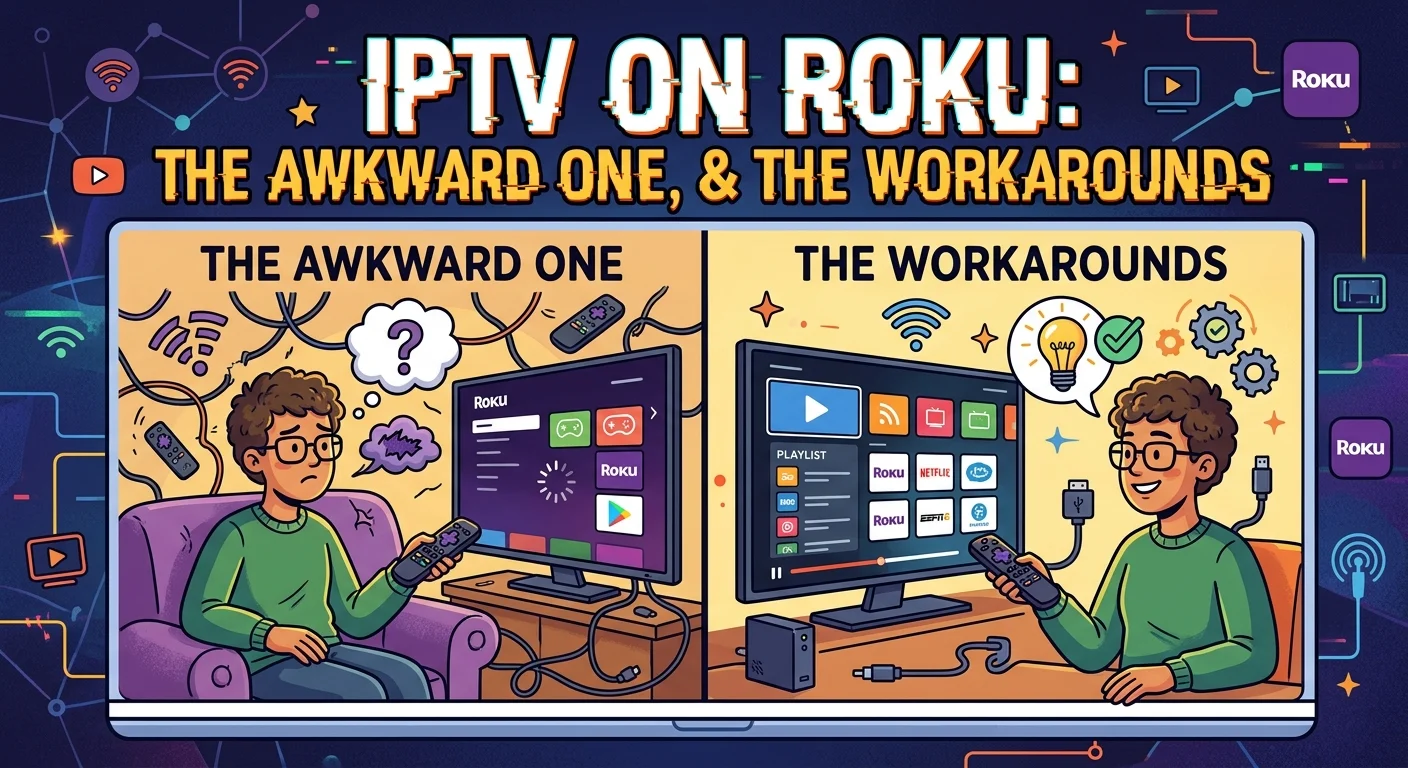
Why Roku is different
Most streaming devices run a version of Android, which is why the same handful of IPTV players appear in every setup guide — a Fire TV stick, an Android box and a Google TV device all install broadly the same software.
Roku does not. It runs its own operating system, and applications can only arrive through its official channel store after review. There is no supported way to install software from elsewhere.
The practical consequence is simple and worth accepting early: the well-known IPTV players are not available on Roku, and no setting or account change makes them available. If a guide tells you otherwise, it is either out of date or describing something you should not be doing.
The rest of this article deals with what actually works inside those rules.
Option 1: a player from the Roku channel store
The store does carry IPTV player applications. Search it for an IPTV player and you will find a small number of options — far fewer than on Android, and generally simpler.
Set-up follows the familiar pattern: install the application, then add your subscription using either your Xtream details or an M3U link, depending on what that particular app supports.
Be realistic about the feature set. Roku IPTV players tend to be more basic than their Android counterparts, and the things most commonly missing are the ones people miss most:
- Catch-up is frequently absent, since it requires the app to request past time slices — see our guide to how catch-up works for what you would be giving up.
- The programme guide is often present but limited, with less flexibility over sources and time zones.
- Recording is generally not available at all.
- Favourites and organisation tend to be simpler, with fewer options for hiding groups.
None of that makes it unusable. If you mainly want live channels on the television and are not attached to the extras, a store player does the job perfectly well.
Option 2: casting from a phone or tablet
The second route is to run a full-featured player on a phone or tablet and send the picture to the Roku. Modern Roku devices support screen mirroring from Android and Windows, and many models also accept AirPlay from Apple devices.
The appeal is obvious: you get the player you actually want, with all its features, on the big screen.
The costs are real, though, and worth knowing before you rely on it:
- An extra link in the chain. Source device, then network, then Roku — more latency and more opportunity for interruption than a direct connection.
- It uses the phone or tablet's stream, not an additional one. Your plan's simultaneous limit applies exactly as it would if you were watching on the tablet itself.
- Battery. An evening of mirroring drains a handset comfortably, and the device has to stay awake and unlocked.
- The device is tied up for the duration — no answering messages without interrupting the picture.
It is a good occasional solution and a poor daily one.
The honest recommendation
If IPTV is a significant part of what you watch, the practical answer is usually not to force it through the Roku at all.
A basic streaming stick costs less than two months of most subscriptions, plugs into a spare HDMI port, and gives you the full range of players with catch-up, recording, proper guide handling and real organisation options. You keep the Roku for everything you already use it for and switch input for live television.
That is not a criticism of Roku — it does what it does very well. It is simply a device built around a curated app store, and IPTV sits outside that model. Our guides to IPTV on a Firestick and IPTV on Android boxes cover the two most common alternatives, and Chromecast and Google TV is a third.
If you would rather stay on Roku, that is entirely reasonable — just go in knowing which features you are trading away, rather than discovering them one by one.
Roku televisions
Plenty of British households have Roku built into the television itself rather than as a separate stick. The software restrictions are identical: same operating system, same store, same absence of sideloading.
The good news is that a Roku television is still a television, with HDMI inputs. Adding a stick or box to a spare port is straightforward, and you switch source rather than replacing anything. In practice that makes a Roku TV a better starting point than a Roku stick, because the escape route is built in.
Network notes worth knowing
Two Roku-specific points that affect streaming quality.
Most Roku streaming devices are Wi-Fi only. Wired Ethernet appears on the higher-end models rather than the compact sticks, so on a standard stick you cannot simply plug in a cable — which matters, because a steady connection is what live streams need most. Position the device sensibly and consider the 5 GHz band if your router offers both.
Sticks that sit behind a wall-mounted television get both poor signal and poor airflow. A short HDMI extension that brings the stick out from behind the screen improves reception and reduces heat at the same time, and it costs a few pounds.
Setting realistic expectations
Three things to be clear about before you start.
A store player is not the same as an Android player. Expect live channels to work well and the extras to be thinner. Judge it on that basis rather than on a feature list written for a different platform.
Casting is a compromise, not a setup. It works, it is genuinely useful for occasional viewing, and it will frustrate you as a permanent arrangement.
The subscription is not the limiting factor. The same credentials that work perfectly on a stick or a box work on Roku too — what differs is what the software on the device is allowed to do with them. Choosing the right player is the whole game here, and our comparison of IPTV player apps and which suits which device is the place to start.
In short
Roku is a closed platform, so the familiar IPTV players cannot be installed on it. That is a deliberate Roku restriction and nothing to do with your subscription.
Two things work within the rules. A player from the official channel store handles live channels well but tends to lack catch-up, recording and advanced organisation. Casting from a phone or tablet gives you the full-featured player, at the cost of latency, battery, a tied-up device, and one of your simultaneous streams.
If IPTV is a small part of your viewing, either is fine. If it is a large part, a cheap stick in a spare HDMI port costs less than two months of subscription and removes the problem entirely — and on a Roku television, that escape route is already built in.
Frequently asked questions
No. Roku runs its own operating system and applications can only arrive through its official channel store after review, with no supported way to install software from elsewhere. The well-known Android IPTV players are therefore unavailable, and no setting or account change makes them available.
Two options. Search the official channel store for an IPTV player and add your Xtream details or M3U link to it — a small number exist and they handle live channels well. Or run a full player on a phone or tablet and mirror or AirPlay the picture to the Roku, which gives you every feature at the cost of latency and battery.
Usually catch-up, recording, and the more advanced organisation options such as hiding groups and multiple favourites lists. The programme guide is often present but less flexible. Live channels themselves generally work well, so it depends whether the extras matter to you.
No, it uses the phone or tablet's stream rather than an additional one, since that device is doing the actual playing. Your plan's simultaneous limit applies exactly as it would if you were watching on the tablet itself. The device also has to stay awake and unlocked throughout.
The software restrictions are identical, but a Roku television still has HDMI inputs. Plugging a cheap streaming stick into a spare port gives you the full range of players, and you simply switch source for live television. That makes a Roku TV a better starting point than a Roku stick, because the way out is built in.
Only on the higher-end models — the compact sticks are Wi-Fi only. If yours has no Ethernet port, position it sensibly and use the 5 GHz band where available. A short HDMI extension that brings a stick out from behind a wall-mounted television improves both signal and airflow for a few pounds.