
MAG and Formuler boxes: still worth it in 2026?
These two names come up constantly and get treated as the same thing, which they are not. One works in a way no other streaming device does — the provider supplies the interface, and the box is tied to your subscription by its hardware address. The other is much closer to a normal Android box. That difference decides who each one actually suits, and it explains the single most common problem people hit when buying second-hand.
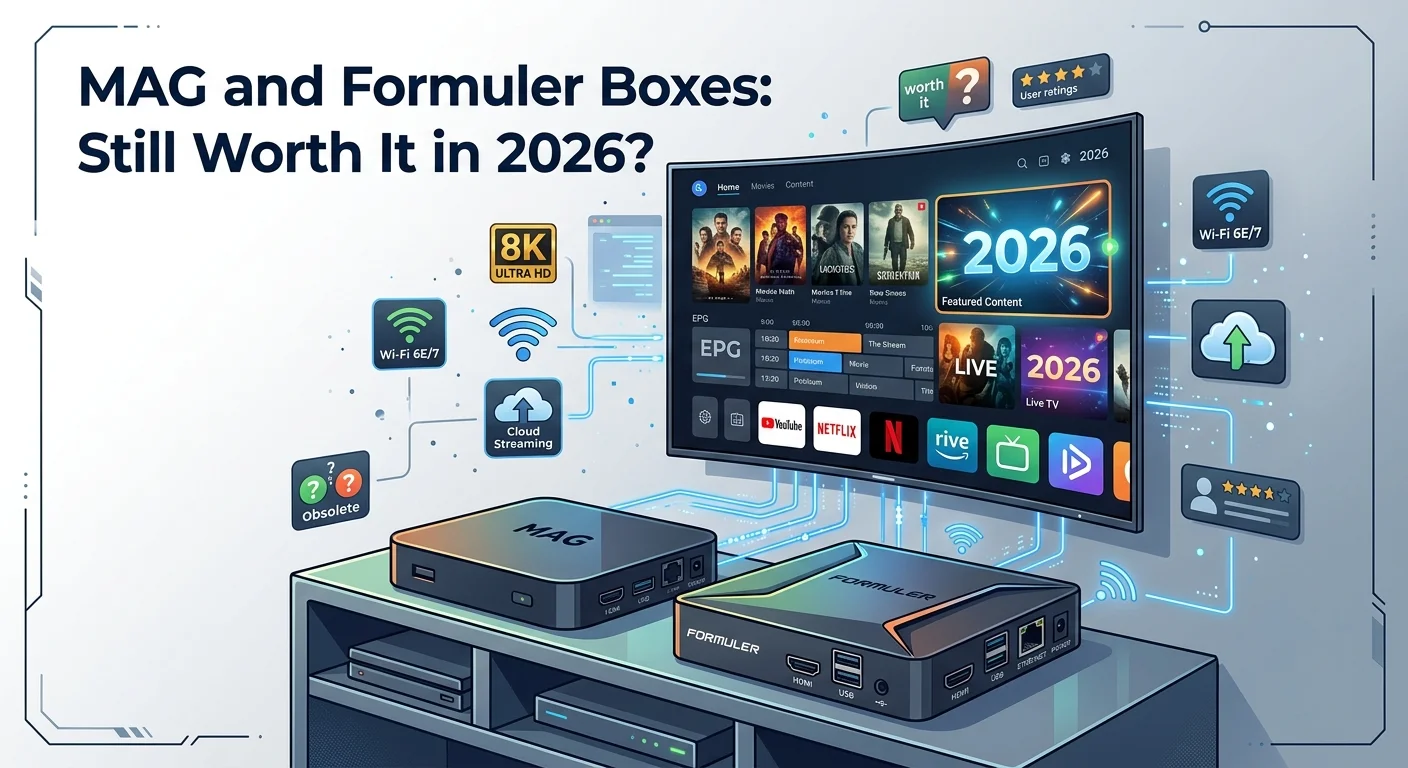
Two different machines
The distinction matters more than any specification.
A MAG box runs a lightweight Linux-based system built for one job. It works on a portal model: you enter an address supplied by your provider, and the provider serves the interface to the box. There is no app store and nothing else to install. It switches on, and television appears.
A Formuler box is Android-based, and ships with its own dedicated IPTV player alongside the usual Android functionality. That puts it much closer to a standard Android TV box with a good player pre-installed than to a MAG.
So they answer different questions. A MAG is a single-purpose appliance. A Formuler is a general-purpose box that happens to be set up well for this from the start — our guide to IPTV on Android boxes largely applies to it.
How a MAG box is set up — and why it's different
This is the part that surprises people coming from a stick or a smart television.
Rather than typing a username and password into an app, a MAG identifies itself to the provider using its MAC address — a unique hardware identifier printed on the underside of the box. You send that address to your provider, they register it against your subscription, and the box then loads the portal automatically.
The upside is genuine: once it is done, there is nothing to remember. No login screen, no credentials to re-enter, no app to update. For a household that wants television and not a computer, it is the simplest arrangement there is.
The second-hand trap. Because a MAG is identified by its MAC address, buying one used can be awkward — that address may still be registered against someone else's account, and sorting it out is not always straightforward. If you want a MAG, buy it new. This is by far the most common problem people run into with these boxes, and it is entirely avoidable.
The same logic explains why replacing a MAG means contacting your provider again: the new box has a different address, and until it is registered it will not load anything.
What each one is good at
| MAG box | Formuler box | Streaming stick | |
|---|---|---|---|
| Setup | Send your MAC once | Install player, enter details | Install player, enter details |
| Other apps | None | Yes, Android | Yes |
| Simplicity in daily use | Highest | Moderate | Moderate |
| Choice of player | None — portal only | Bundled plus others | Wide |
| Ethernet port | Usually | Usually | Rarely |
| Second-hand risk | High | Low | Low |
The Ethernet row deserves a note, because it is the most underrated advantage of a proper box. Most streaming sticks are Wi-Fi only, and a wired connection is the single most effective fix for an unstable picture. A box you can plug a cable into starts ahead.
Who a MAG still suits
Despite everything Android boxes can do, there is a real case for a single-purpose appliance, and it is not about specifications.
A household member who does not want a computer. This is the strongest argument by a distance. No app store, no updates, no login screen, no notifications — it turns on and television appears, with a simple remote that has an obvious channel up and down. For an older relative's television, that is worth more than any feature list.
A second television where you want reliability and nothing else. Bedroom, kitchen, spare room.
A setup you do not want to maintain. Nothing to update means nothing to break after an update — which, as our guide to what to clear when an IPTV app keeps crashing shows, is a real category of problem on app-based devices.
Who should choose something else
Equally, three situations where a MAG is the wrong purchase.
You want one device for everything. A MAG does IPTV and nothing else. If the same television also needs mainstream streaming apps, catch-up services or a web browser, you will end up with two devices anyway.
You want to choose your own player. The portal is the interface, full stop. If you have a preferred app, or you want the specific features one player offers over another, a MAG removes that choice entirely. Our comparison of IPTV player apps and which suits which device is about a decision you simply don't get to make here.
You want the newest features. Portal interfaces tend to be conservative, and hardware in this category is not refreshed often. Advanced organisation, sophisticated guide handling and recording are generally better on an Android device.
What to check before you buy
- Buy new, not used — especially for a MAG, because of the MAC registration issue above.
- Confirm your provider supports the setup you intend. A portal-based MAG needs your provider to register the box; a Formuler works with ordinary credentials. Ask before ordering rather than after.
- Check how old the model is. These boxes stay on sale a long time. A model that launched years ago may still be listed as current.
- Confirm there is an Ethernet port if the television is anywhere near the router. It is the cheapest quality upgrade available.
- Check what the remote is like if the box is for someone who wants simplicity. It is the part they will actually interact with.
- Compare the price with a stick. A dedicated box costs meaningfully more than a basic streaming stick, and the extra buys simplicity and an Ethernet port rather than performance.
The honest verdict for 2026
For most people, a modern streaming stick or Android box is the better buy. It costs less, does more, gets updated, and gives you a choice of player. That has been the direction of travel for years and it has not reversed.
But the case for a MAG has not disappeared — it has just narrowed to something specific and genuinely valuable. If what you want is a television that behaves like a television, for someone who does not want to think about software, a single-purpose appliance still does that better than a general-purpose device pretending to be one.
Formuler sits between the two and, for many households, is the sensible compromise: Android underneath, a proper IPTV player already there, and an Ethernet port on the back.
In short
MAG and Formuler are not variations on a theme. A MAG is a Linux appliance that loads a portal supplied by your provider and identifies itself by its MAC address; a Formuler is an Android box with a good player included.
If you buy a MAG, buy it new. The MAC registration is what makes second-hand purchases awkward, and it is the most common problem with these boxes by a wide margin.
Choose a MAG for simplicity — a television for someone who does not want a computer. Choose Formuler or a stick if you want one device doing everything, or if you want to pick your own player. And either way, take the Ethernet port if the room allows it, since other faults very often come back to the network, as our guide to working out which problem you actually have sets out.
Frequently asked questions
A MAG runs a lightweight Linux system and works on a portal model — your provider supplies the interface and there is no app store. A Formuler is Android-based with a dedicated IPTV player included, which makes it much closer to a normal Android TV box. They suit different people rather than being competing versions of the same thing.
Because it identifies itself by hardware rather than by a login. The MAC address is printed on the underside of the box; you send it to your provider, they register it against your subscription, and the box then loads the portal automatically. The advantage is that there is nothing to remember afterwards — no credentials and no login screen.
It is best avoided. Because the box is identified by its MAC address, a used one may still be registered against a previous owner's account, and resolving that is not always straightforward. This is the most common problem people hit with these boxes and it is completely avoidable by buying new.
Not in performance terms. A modern stick usually costs less and does more. What a dedicated box buys you is simplicity — nothing to update, no app store, no login screen — and an Ethernet port, which most sticks lack and which is the single most effective fix for an unstable picture.
No. A MAG does IPTV and nothing else — there is no app store and the portal is the entire interface. If the same television also needs mainstream streaming services or a browser, you will end up with a second device anyway, in which case an Android box or stick is the more sensible single purchase.
You need to send your provider the new box's MAC address so it can be registered in place of the old one. Until that is done the new box will not load anything. It is a quick exchange, but it does mean a replacement is not simply a matter of plugging in the new unit.