
IPTV speed: why faster broadband won't fix it
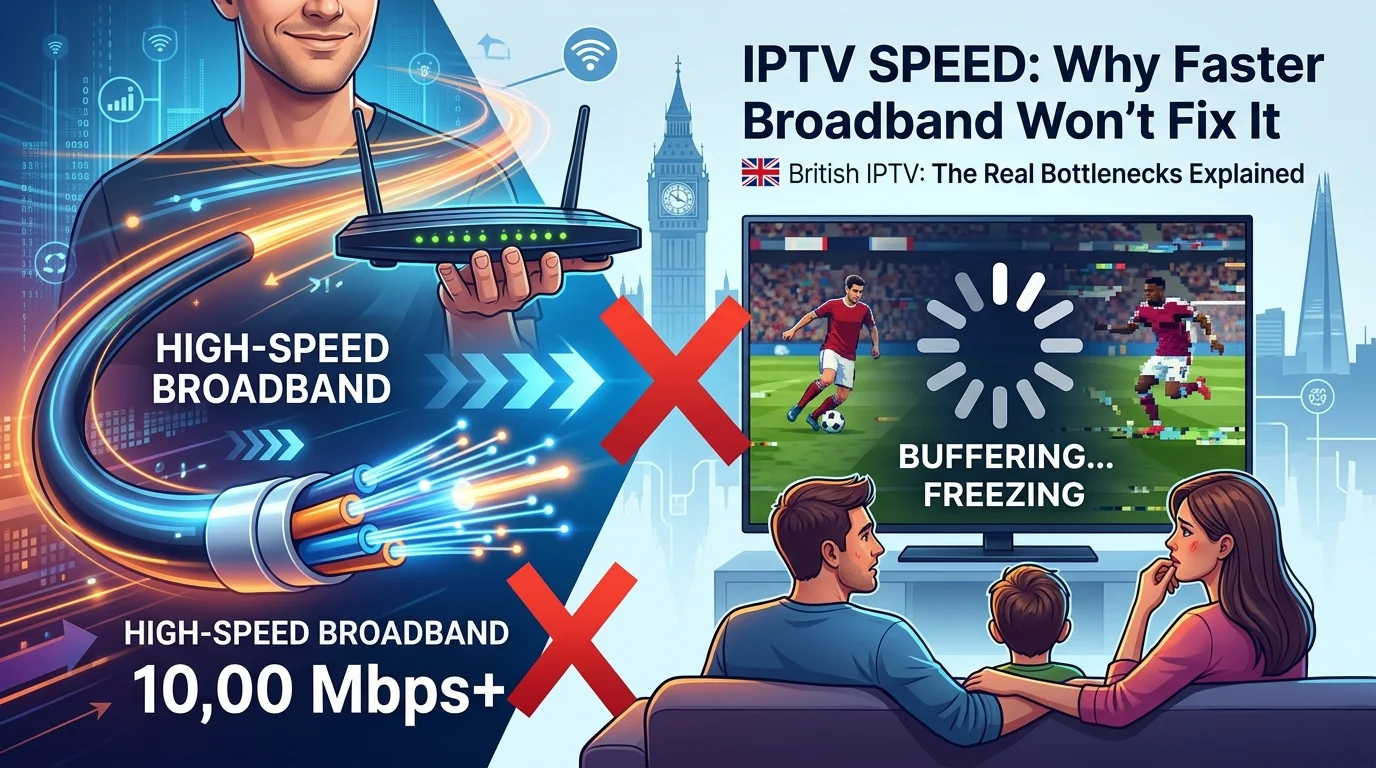
The usual question is "how many Mbps do I need for IPTV?" — and it has a straightforward answer, given below. But it is the wrong question to spend money on, because past a fairly modest threshold, more speed does nothing at all for a single stream. Every year, people upgrade their broadband package to fix buffering, discover it has changed nothing, and conclude their provider is at fault. This guide gives you the numbers, then explains why the number on your bill is rarely the problem.
The numbers, per screen
These are per screen that is actively playing, not per household:
- Standard definition: 3–5 Mbps
- HD (720p): 6–8 Mbps
- Full HD (1080p): 8–15 Mbps
- 4K Ultra HD: 25 Mbps and up, 35 Mbps to be comfortable
Live sport sits at the top of each range. A moving camera with a crowd behind it changes almost every pixel between frames, so compression has far more to transmit than a studio programme at the same resolution. That is covered properly in our guide to live sport.
So a household streaming one Full HD channel needs a fraction of what most UK broadband packages deliver. The average UK connection is comfortably sufficient — which is precisely why buffering usually has nothing to do with the package.
Speed, stability and latency are three different things
Most confusion here comes from treating them as one.
Speed is how much data can arrive per second at best. It is the number advertised, and it describes a peak rather than an average.
Stability is whether that rate holds steady. A connection delivering a rock-solid 25 Mbps is better for streaming than one oscillating between 15 and 200, because a stream needs a predictable feed rather than an occasionally spectacular one.
Latency is the delay before data starts arriving. It has little to do with bandwidth and matters more for live content than for anything on demand.
Only the first is on your bill. The other two determine whether your evening is pleasant, and no provider advertises them.
Why more speed stops helping
A stream requests a fixed amount of data per second — say 12 Mbps for Full HD. It will never ask for more, however much is available.
Once your connection reliably supplies that amount plus comfortable headroom, additional capacity sits unused. Going from 40 Mbps to 200 Mbps changes nothing for one stream, in the same way that a wider road does not make a single car faster.
Extra capacity only earns its keep when demand is genuinely simultaneous — several screens, or a large download running alongside. On most household connections, roughly 30 to 40 Mbps of stable throughput is the point past which more stops mattering for viewing.
Which leads to the practical conclusion: if you are buffering on a 100 Mbps connection, upgrading to 500 Mbps will not help. The shortfall is happening somewhere between your router and your television, not between the exchange and your house.
Where the speed actually goes
The number on your bill is measured to your router. What reaches your television is a different figure, and here is what takes the difference.
Wi-Fi. The largest loss by far, and the one people account for least. Walls, distance and interference all reduce throughput, and a streaming device plugged into the back of a television — with the panel between its aerial and the router — sits in about the worst position available. It is genuinely common to have 100 Mbps at the router and under 15 Mbps at the stick.
Other devices. Requirements add together. A 4K stream in the living room plus a Full HD stream upstairs exceeds 40 Mbps between them, before a console update or cloud backup joins in — both of which prefer the evening.
Evening congestion. On part-fibre connections in particular, the shared section of the network slows when the whole street is online. Your line has not changed; the contention has.
The device itself. Occasionally the constraint is not the connection at all. If only high-resolution channels stutter while standard ones are perfect, that is a decoding limit — and no amount of bandwidth will touch it.
How to measure what you actually have
Most people run a speed test on a laptop next to the router at eleven in the morning and conclude their connection is fine. That test measures the one scenario that never happens.
Test properly:
- On the device that streams, or as close to it as possible — the same room, the same shelf.
- In the evening, between 7pm and 10pm, when both your household and the wider network are busiest.
- Two or three times, several minutes apart. One reading tells you nothing about stability, which is the property you actually care about.
- Then again with an Ethernet cable, if you can. The gap between the wired and wireless figures is your Wi-Fi problem, quantified.
That last comparison is the most useful measurement in this whole article. If wired gives you 70 Mbps and wireless gives you 12, you do not have a broadband problem — and no upgrade will change that.
Household arithmetic
To size your connection honestly, count the screens that realistically play at the same moment on a busy evening — not the number of devices you own.
- One television, Full HD: around 15 Mbps stable. Almost any UK connection.
- One television in 4K: around 35 Mbps stable.
- 4K plus a Full HD second screen: around 50 Mbps, plus headroom.
- Three screens on a busy evening: 60–70 Mbps to be comfortable.
Note that this is about bandwidth, which is separate from your plan's simultaneous connections — a different limit with different symptoms, explained in what an IPTV subscription includes. Several screens degrading together is a bandwidth problem; one screen failing outright while others are fine is a connection-limit problem.
The most effective single adjustment in a busy household is dropping the main television from 4K to Full HD. It frees more capacity than everything else combined, and at normal viewing distance the visible difference is far smaller than the numbers suggest.
Two UK specifics worth knowing
Upload speed is irrelevant for watching. Video travels to you. A package advertising a big upload figure offers you nothing extra for streaming — that number matters for video calls and sending large files.
Part-fibre and full-fibre behave differently in the evening. Connections that use copper for the final stretch tend to lose more throughput at peak times than full-fibre ones, and the distance from your street cabinet affects what you get. If your evening figures are dramatically worse than your daytime ones while your Wi-Fi is fine, this is often why — and it is one of the few cases where changing broadband product genuinely helps.
Data usage, if it applies to you
Most UK home broadband is unlimited, so this only matters on a capped connection or when using mobile data.
- HD: roughly 1–2 GB per hour
- Full HD: roughly 2–4 GB per hour
- 4K: 7 GB per hour and upwards
On a mobile plan, an evening of 4K will consume a substantial allowance. Lower the resolution in the player, or restrict the app to Wi-Fi in your phone's settings.
When speed genuinely is the problem
Three situations where upgrading is the right answer:
- Your wired figure is genuinely low — under 20 Mbps or so measured over Ethernet. That is a line problem, not a Wi-Fi one.
- Your household regularly runs several 4K streams simultaneously and the arithmetic above exceeds what you have.
- Evening figures collapse consistently while daytime is fine and Wi-Fi is not the cause — a contention issue that a different product can solve.
Outside those three, the money is better spent on an Ethernet cable, a powered adapter, or a mesh system for a difficult room. All cost a fraction of a broadband upgrade and address the actual bottleneck.
In short
Full HD needs 8 to 15 Mbps, 4K needs 25 and up, per screen — and the average UK connection already provides both comfortably.
What causes buffering is almost never the number on your bill. It is Wi-Fi, competing usage, evening congestion or your device. Measure at the television, in the evening, wired and wireless, and the gap between those two figures usually tells you everything.
If you want to establish where a problem actually sits, our buffering diagnosis guide gives you a sixty-second test. More across our IPTV guides.
Frequently asked questions
Around 5 Mbps for standard definition, 8 to 15 Mbps for Full HD and 25 Mbps or more for 4K, per screen that is playing. Live sport sits at the top of each range because a moving picture carries more data.
Not for a single stream. Beyond roughly 30 to 40 Mbps of stable throughput, additional headline speed contributes nothing to one stream. Extra capacity only helps when several screens or heavy downloads run at the same time.
Almost not at all for watching. Video travels to you, so download speed is what counts. Upload matters only for video calls and sending large files, not for receiving a stream.
Because the speed reaching your device is not the speed on your bill. Wi-Fi, distance from the router, other devices in the household and evening congestion all reduce what actually arrives. Measure on the streaming device, not next to the router.
Test on the device that streams, in the room where it lives, in the evening rather than the morning, and repeat it two or three times. A single midday test next to the router tells you almost nothing useful.
Roughly 1 to 2 GB per hour in HD, 2 to 4 GB in Full HD and 7 GB or more in 4K. This only matters on a capped or mobile connection, since most UK home broadband is unlimited.